开始IDL(接口定义语言)文件:
import "oaidl.idl";
[
uuid(fa63b4aa-cde1-461b-a201-54eb3ea1808b),
version(1.0)
]
interface myrpc
{
void input(char* string);
}
ACF文件:
[
	implicit_handle(handle_t rpcBinding)
]

interface myrpc{

}
implicit_handle 表示是隐式句柄
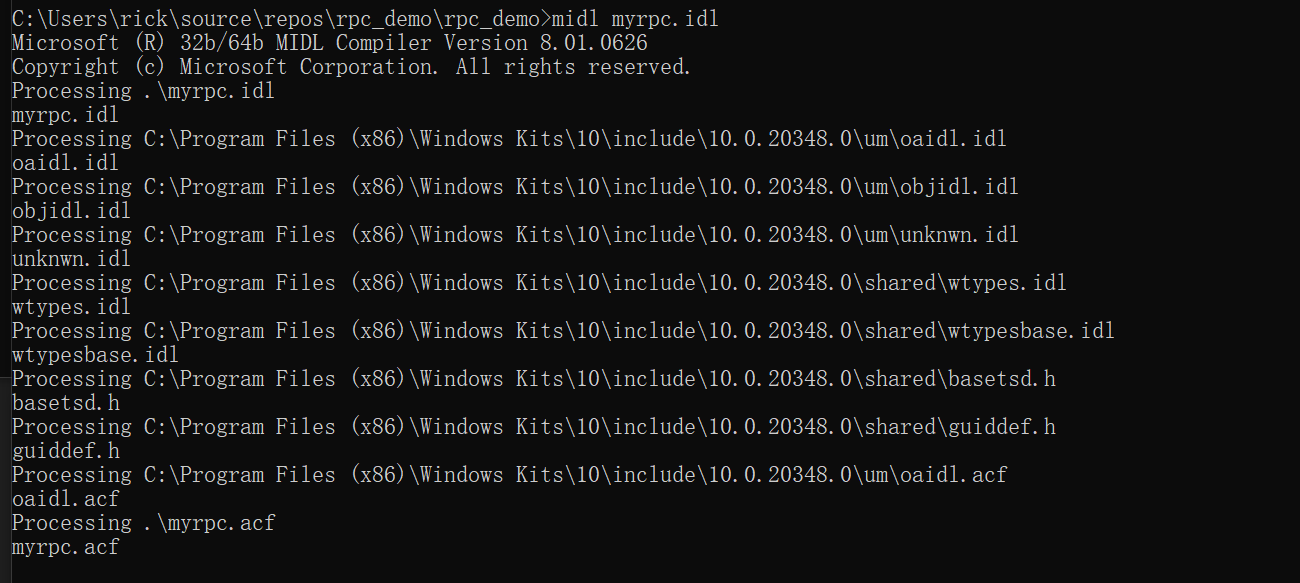
随后在Native Tools 内使用midl工具生成服务端和客户端所用的.c和.h文件
这里注意 如果要x64的RPC程序需要使用X64的Native Tools!!!

myrpc.h为客户端与服务端公用
_c文件为Client所用
_s文件为Server所用
服务端
服务端必须包含两个内存分配函数。这两个函数被服务端程序调用:midl_user_allocate和midl _user_free。这两个函数在服务端分配和释放内存,一般情况下midl _user_allocate和midl_user_free都会简单地封装C库函数malloc和free。
#include <windows.h>
#include <stdlib.h>
#include <stdio.h>
#include "../IDL/myrpc.h"
#define RPC_PORT L"12345"
void input(char * string) {
printf("[RPC]%s\n", string);
return;
}
int wmain(int argc, wchar_t* argv[])
{
RpcServerUseProtseqEp((RPC_WSTR)L"ncacn_ip_tcp", RPC_C_PROTSEQ_MAX_REQS_DEFAULT,
(RPC_WSTR)RPC_PORT, NULL);
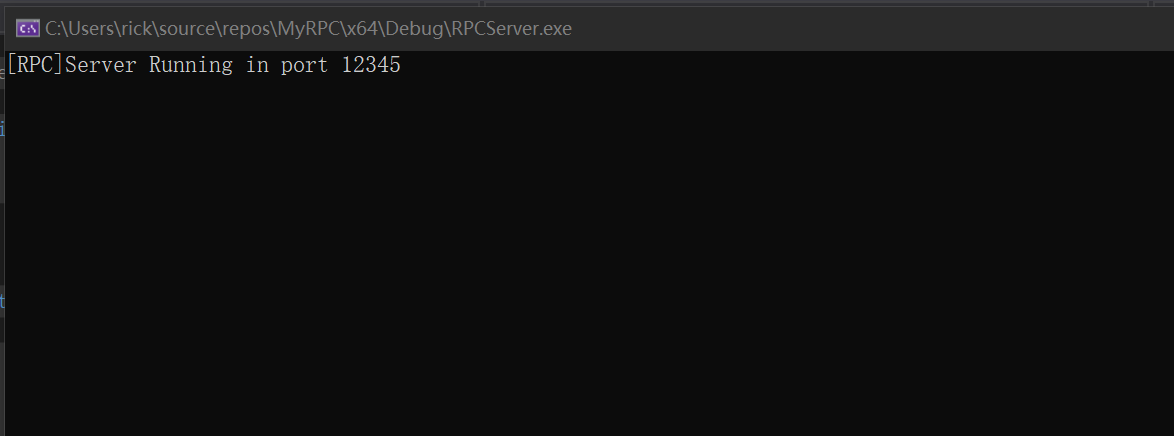
printf("[RPC]Server Running in port %ls\n", RPC_PORT);
RpcServerRegisterIfEx(myrpc_v1_0_s_ifspec, NULL, NULL, RPC_IF_ALLOW_CALLBACKS_WITH_NO_AUTH, 0, NULL);
RPC_STATUS result = RpcServerListen(1, 20, FALSE);
return 0;
}
void __RPC_FAR* __RPC_USER midl_user_allocate(size_t len)
{
return(malloc(len));
}
void __RPC_USER midl_user_free(void __RPC_FAR* ptr)
{
free(ptr);
}
客户端#include <stdio.h>
#include "../IDL/myrpc.h"
int main() {
RPC_WSTR pszStringBinding = NULL;
RpcStringBindingCompose(
NULL,
(RPC_WSTR)L"ncacn_ip_tcp",
(RPC_WSTR)L"127.0.0.1",
(RPC_WSTR)L"12345",
NULL,
&pszStringBinding
);
RpcBindingFromStringBinding(pszStringBinding, &rpcBinding);
RpcTryExcept
{
while (1)
{
input(L"Hello World!");
Sleep(1000);
}
}
RpcExcept(1)
{
printf("RPC Exception %d\n", RpcExceptionCode());
Sleep(2000);
}
RpcEndExcept
RpcStringFree(&pszStringBinding);
RpcBindingFree(&rpcBinding);
return 0;
}
void __RPC_FAR* __RPC_USER midl_user_allocate(size_t len)
{
return(malloc(len));
}
void __RPC_USER midl_user_free(void __RPC_FAR* ptr)
{
free(ptr);
}
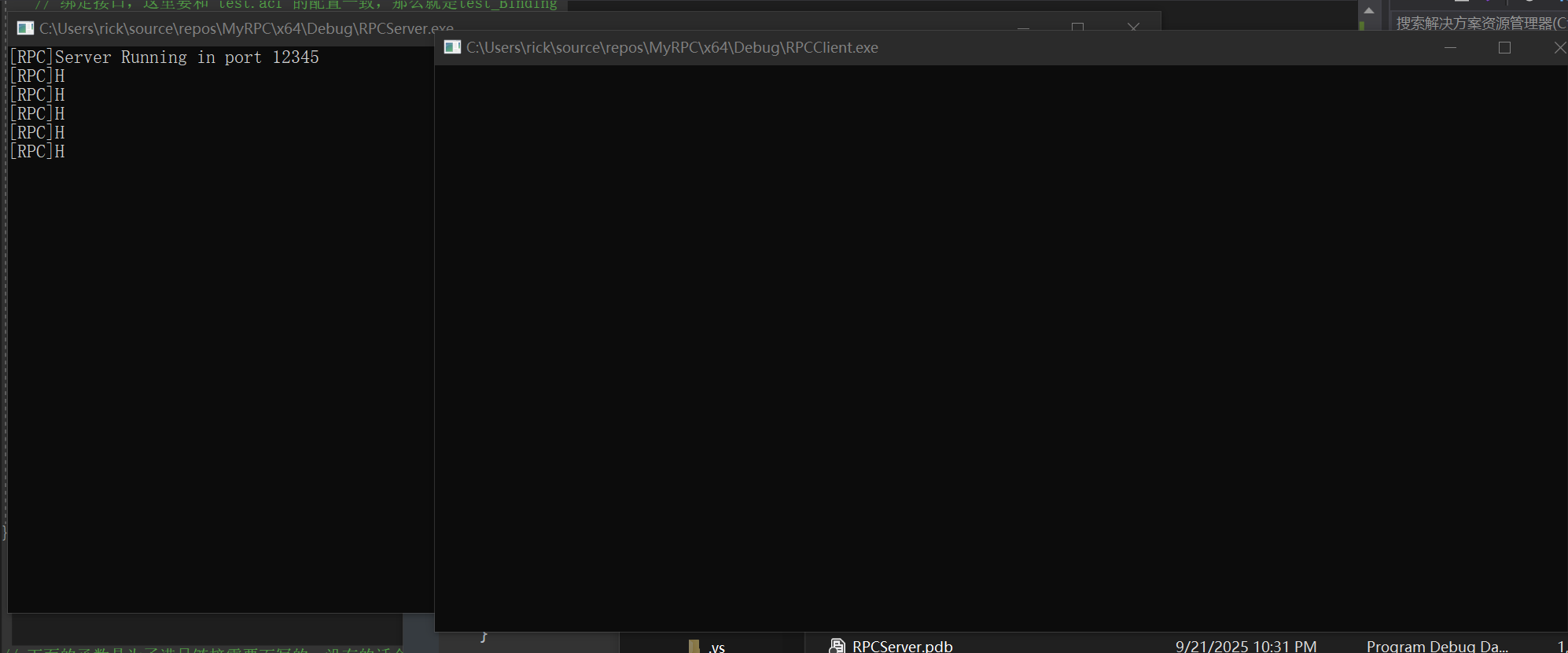
由于宽字符串的问题 所以只显示第一个字符 已经成功建立RPC远程通信
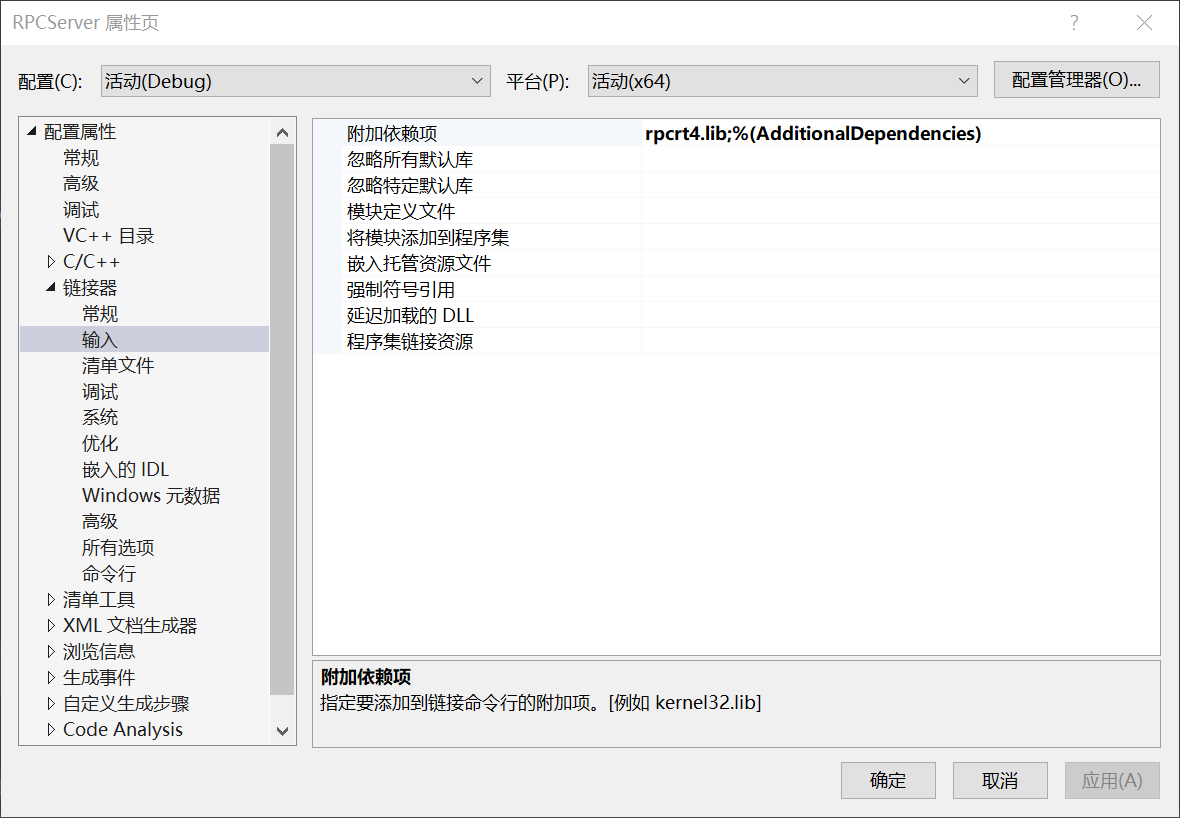
客户端和服务端都需要引入rpcrt4.lib
Credit:https://bbs.kanxue.com/thread-262291.htm
https://blog.csdn.net/herojuice/article/details/81015325
| 